
Download the ESS Utumishi App For Mobile Devices
The ESS Utumishi App is developed by the Tanzanian e-Government Agency (eGA) for government employees. This agency helps improve public services in Tanzania by using digital technology. It helps improve communication between government institutions and citizens through Information and Communication Technology (ICT).
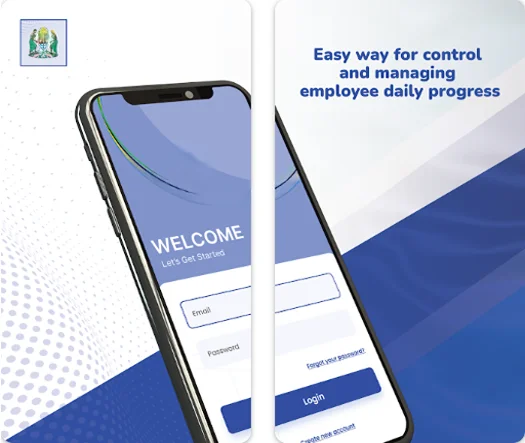
The Ess Portal app is especially developed for public servants. The app offers an easy way to access personal employment data while ensuring secure and up-to-date information. It allows public servants to manage HR and payroll services directly from their mobile devices. It is secure and useful for employees; they can manage their work by using its features. Scroll down and download the app on your mobile device.
What is the ESS Utumishi App?
The ESS Utumishi App is the mobile version of the Watumishi Employee Self-Service Portal. Through this app, Tanzanian public servants can directly access HR and payroll services through Android mobile devices. It is secure and user-friendly. It is especially useful for employees who prefer mobile access instead of using a desktop or laptop computer.
Why Download the ESS Portal App?
This app offers several advantages:
Features of the ESS Utumishi App
This app provides some features like:
How to download the ESS Utumishi App
The ESS Utumishi app is available for download on the Google Play Store for Android devices. It is currently not available on the iOS App Store for iPhone users. But they can also access it on a web browser such as Safari or Google Chrome.
Follow these steps to download the app:
Step 1: Go to the Google Play Store
Open the Google Play Store on your mobile device and type ESS Utumishi App in the search bar.
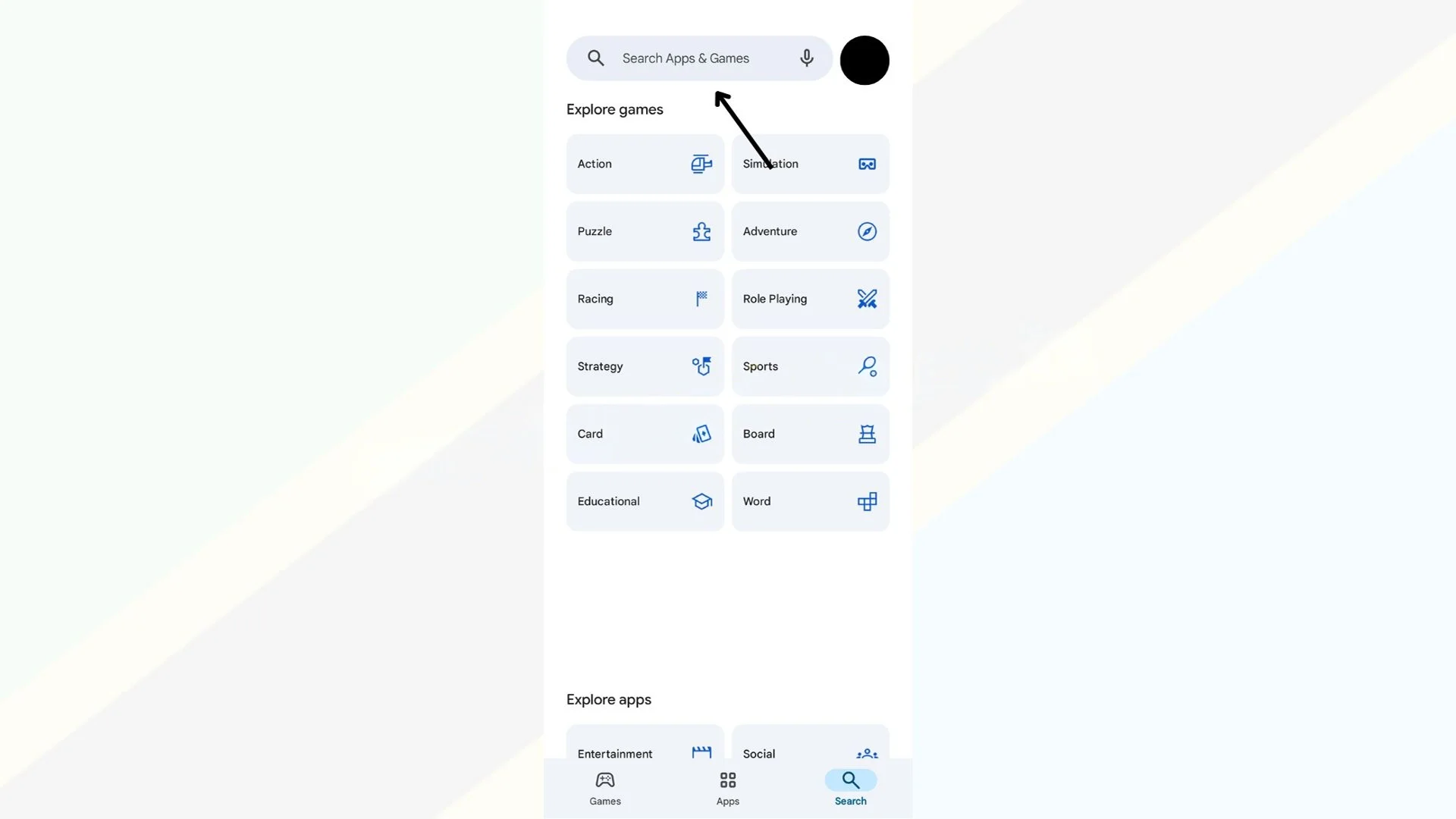
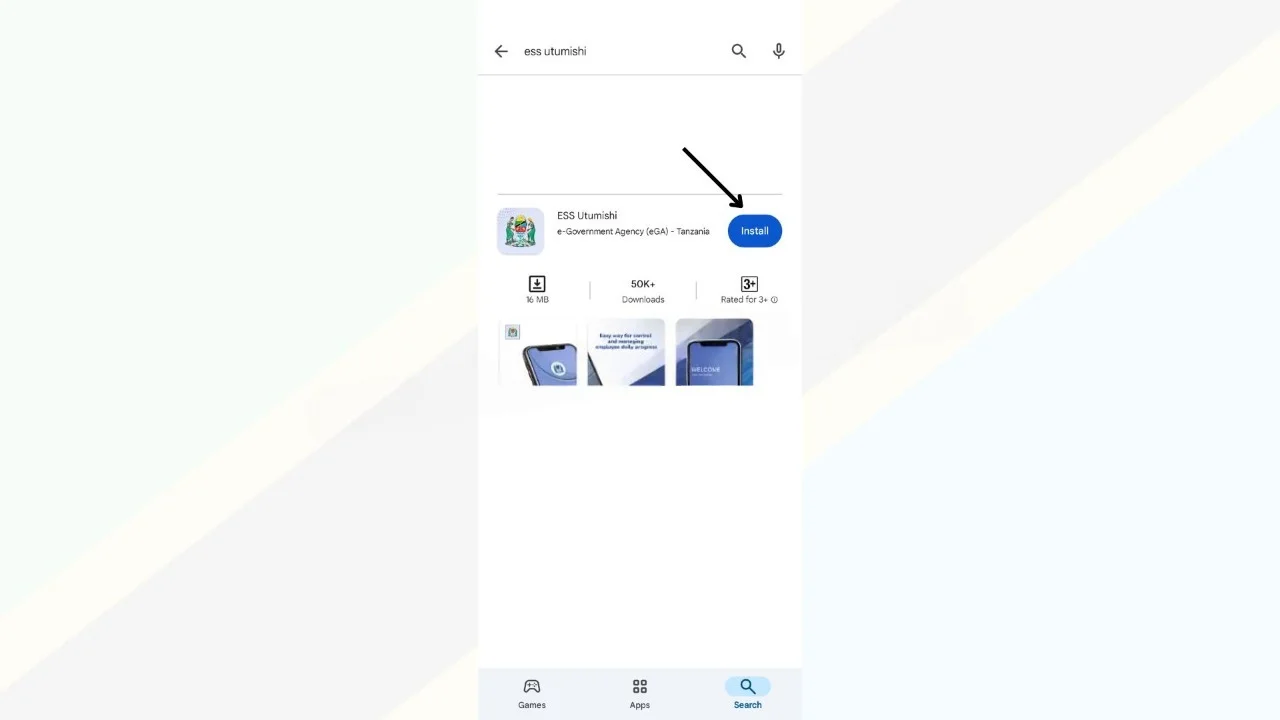
Step 2: Click on the install button
Now, you will see the install button. Click on it to start downloading.
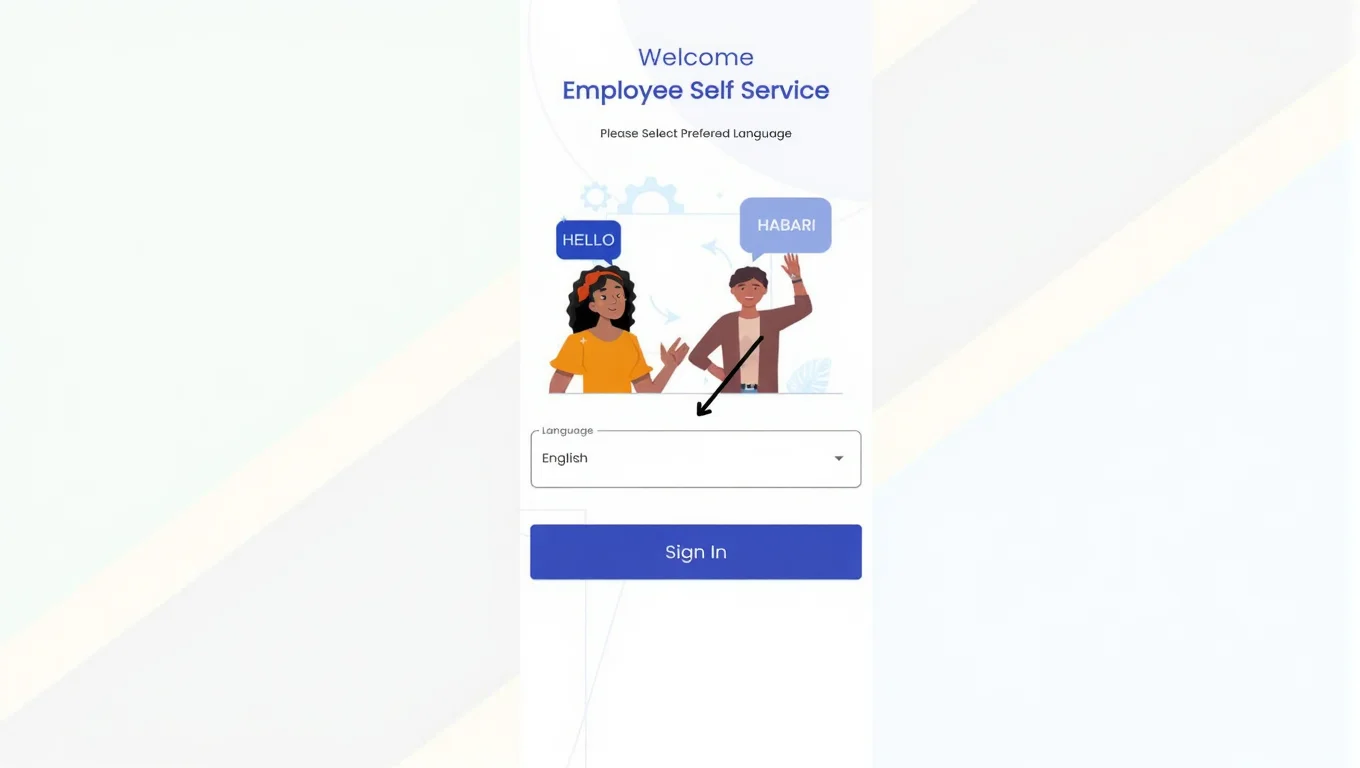
Step 3: Select the language
After downloading, when you open the app, you will see two language options: English and Swahili. Select which you want. The ESS Utumishi App supports English to Swahili.
Step 4: Log in to your account
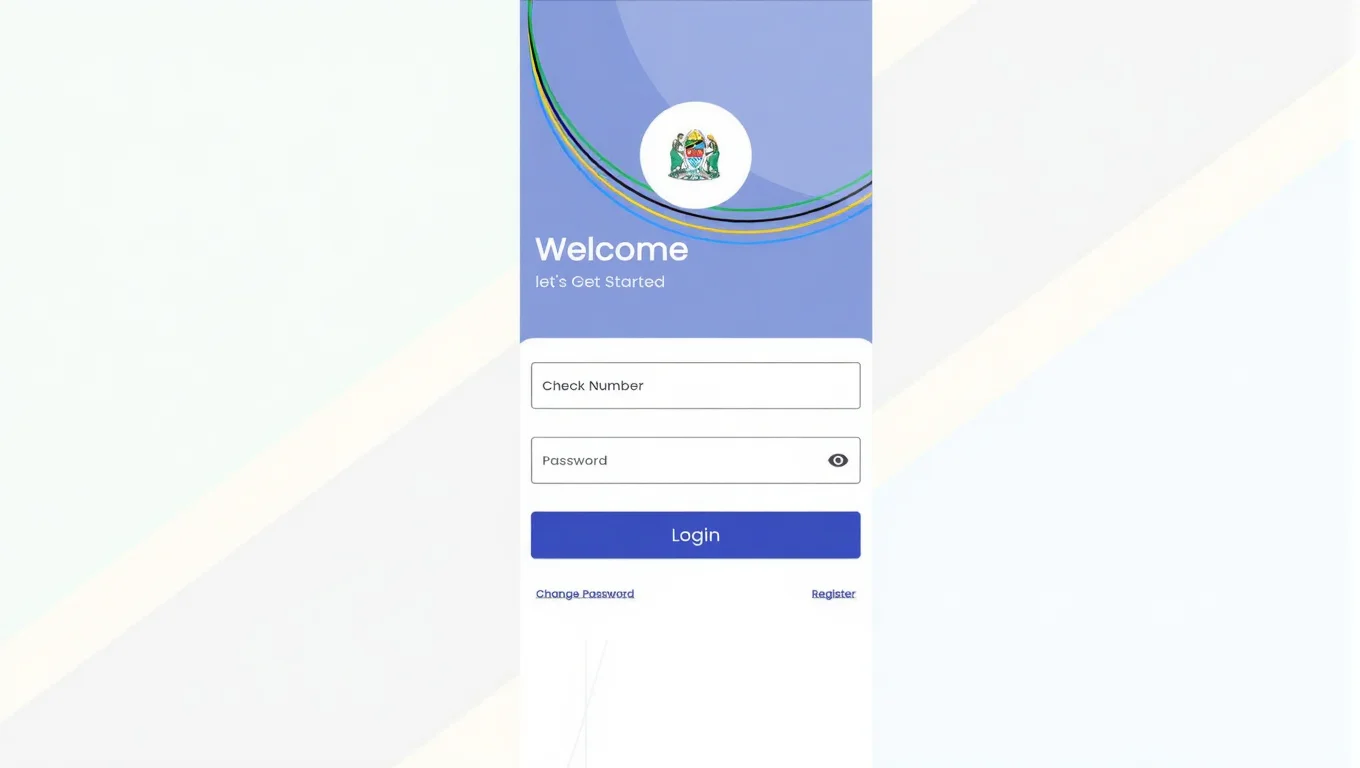
Now, the app is ready to use. Log in with your credentials and enjoy its features.
Data Privacy and Security
This app provides you with strong privacy and security. They protect your data by using these security layers:
Encryption
The ESS Utumishi App uses strong encryption to protect sensitive data both during transmission and while stored, ensuring complete data security at all times.
Multi-Factor Authentication (MFA)
Users must confirm their identity with multiple layers of security, such as a unique ID and password. This helps reduce the chance of unauthorized access.
Role-Based Access Control (RBAC)
Your data stays private because access is based on roles. Employees can only view and update their personal information.
Regular Security Audits
Your safety is important. The ESS Utumishi app is continuously monitored to identify and fix any security issues, ensuring your information stays safe.
Regulatory Compliance
ESS Utumishi follows strict local data protection rules and global best practices, so your personal information is always safe and protected.
Common Issues and Solutions
There are some issues you may face:
App Not Opening or Loading Slowly
- Check your internet connection
- Update the app from the Play Store
- Clear app cache
Login Errors
- Confirm your check number and password
- Reset your password if forgotten
Data Not Updating
- Some updates require administrative approval.
- Please allow time for processing.
- If delays continue, contact HR support.
Conclusion
The ESS Utumishi Leave Dashboard helps government employees in Tanzania manage their leaves easily. It streamlines the process and makes it quicker and more transparent. You can apply from anywhere. You can apply for different leave types, track your status, check your approvals or rejections, and stay organized. You can do all these things without visiting HR offices. It saves time and reduces paperwork. This portal improved communication between employees and management.