
How to Update Personal Information on the ESS Utumishi Portal
Keeping your personal information up to date is important for every government employee. Correct details help ensure smooth payroll processing, effective communication, and access to government employee services. With ESS Utumishi, Tanzanian public servants can easily update their information online without the need to visit administrative offices.
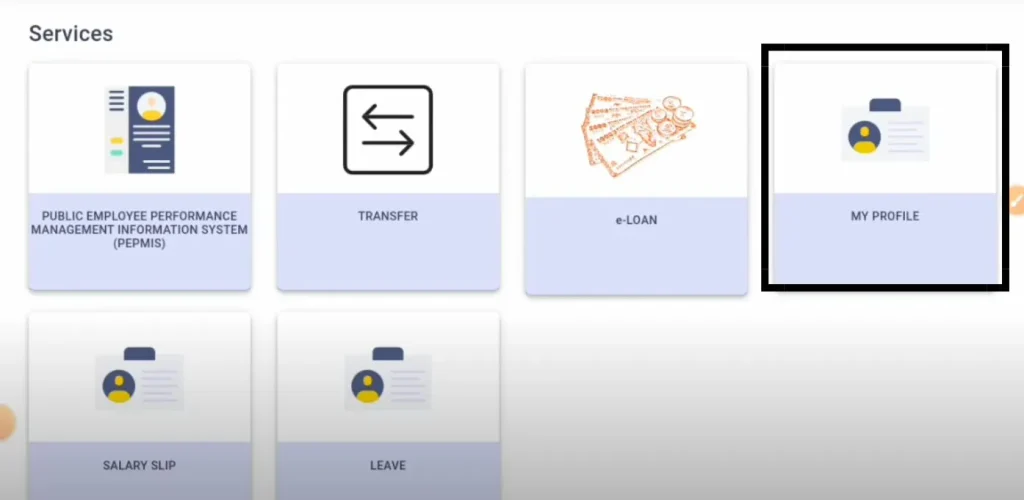
Portal is designed to make work-related tasks easier for employees. Users can check leave records, loan details, transfer status, performance reports, and personal information online from the dashboard. In this guide, you will learn how to update your personal details and verify promotion information through the ESS Utumishi Portal.
Steps to Update Personal Information on ESS Utumishi
Use the following procedure to view and update your personal information:
Step 1: Go to the ESS Utumishi Portal
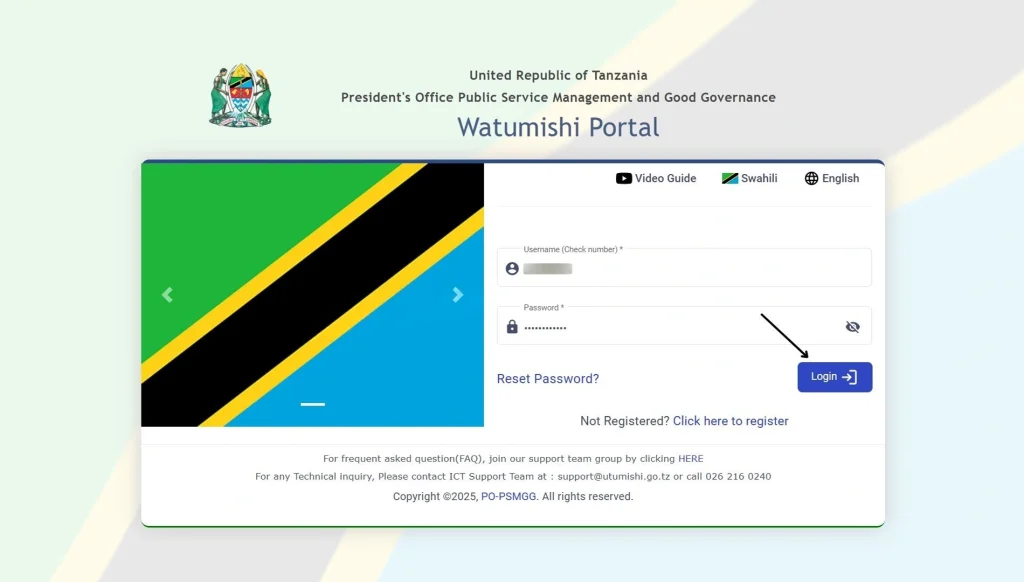
Open your web browser and search for ESS Utumishi or click on this link: ess.utumishi.go.tz to open the portal. Enter your Check Number and Password to sign in to your account.
Step 2: Access the My Profile Section
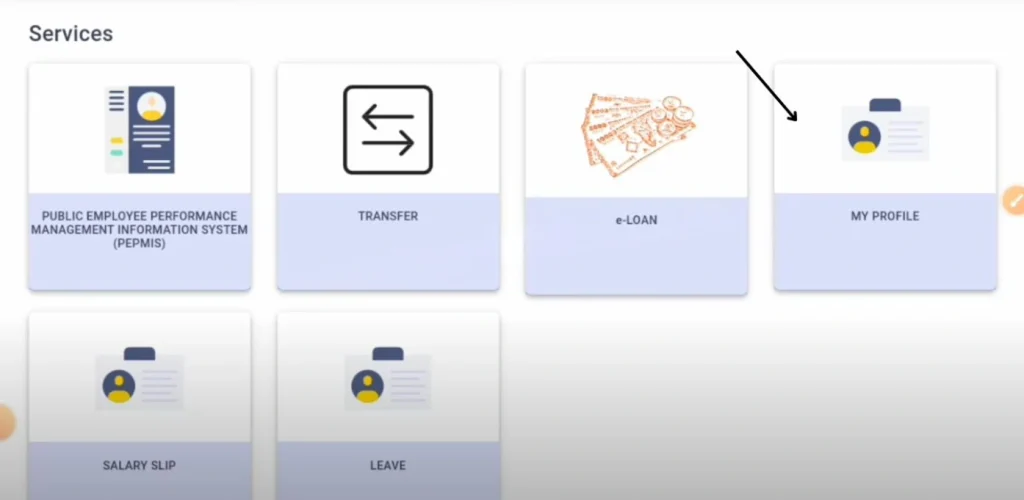
After logging in, you will see the available dashboards on the portal. Click on the My Profile dashboard.
Step 3: Update your information
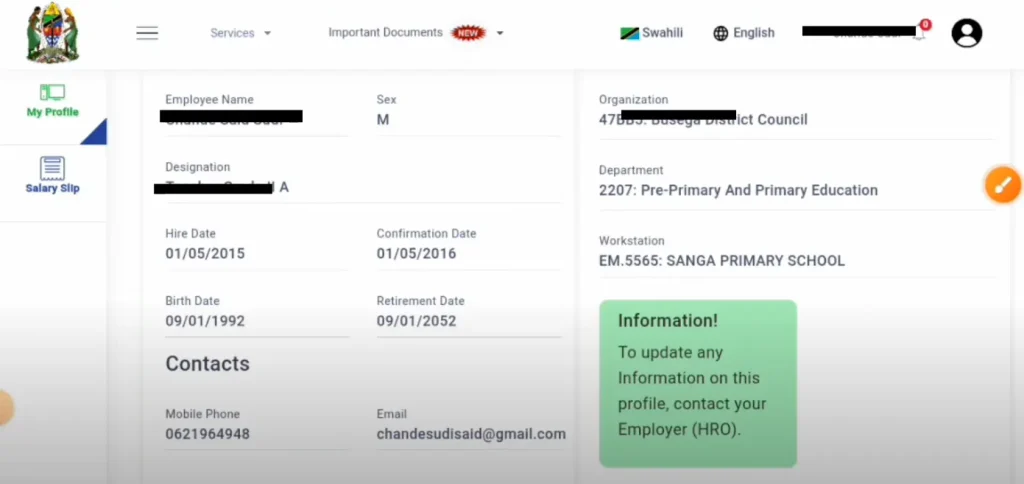
Inside the My Profile section, you can see all the information currently stored in the system. If you want to change or update your personal information, you can do it from there. After updating your information, recheck to ensure your provided information is correct.
Step 4: Save Changes and Verify
After changes, click on the save button. For additional verification, log out of your account and sign in again to confirm that the new details have been successfully updated.
How to Check Promotion Information
Watumishi Portal also allows employees to monitor changes related to their employment status.
Step 1: Open My Profile
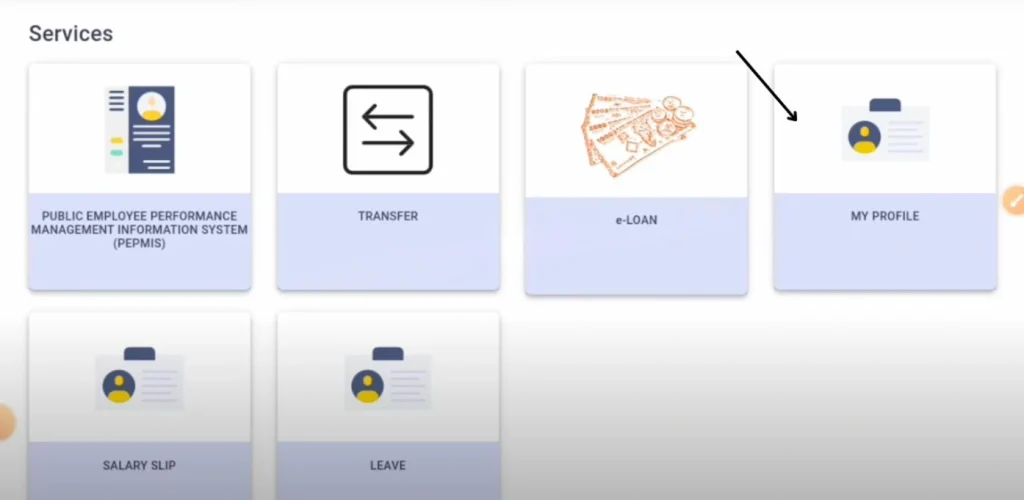
Sign in to your ESS Utumishi account and navigate to the My Profile section.
Step 2: Check your promotions
Check your job title or designation, salary information, employment grade, and department details. If any one of these has changed, it may indicate that a promotion has been processed and updated in the system.
Step 3: Confirm with Official Records
Although ESS Utumishi reflects updated employment information, it is recommended to check the official promotion letter or notification from your department for confirmation.
Benefits of Keeping Personal Information Updated
There are many benefits to keeping your personal details updated in the system:
Conclusion
The ESS Utumishi Portal provides a straightforward process for public servants to view and update their personal information. Regular updates to your ESS Utumishi profile help maintain accurate employee records, improve communication, and ensure employment information is displayed correctly. It saves your time. This platform provides a simple way to handle tasks.